
 Introduction




# I. Introduction
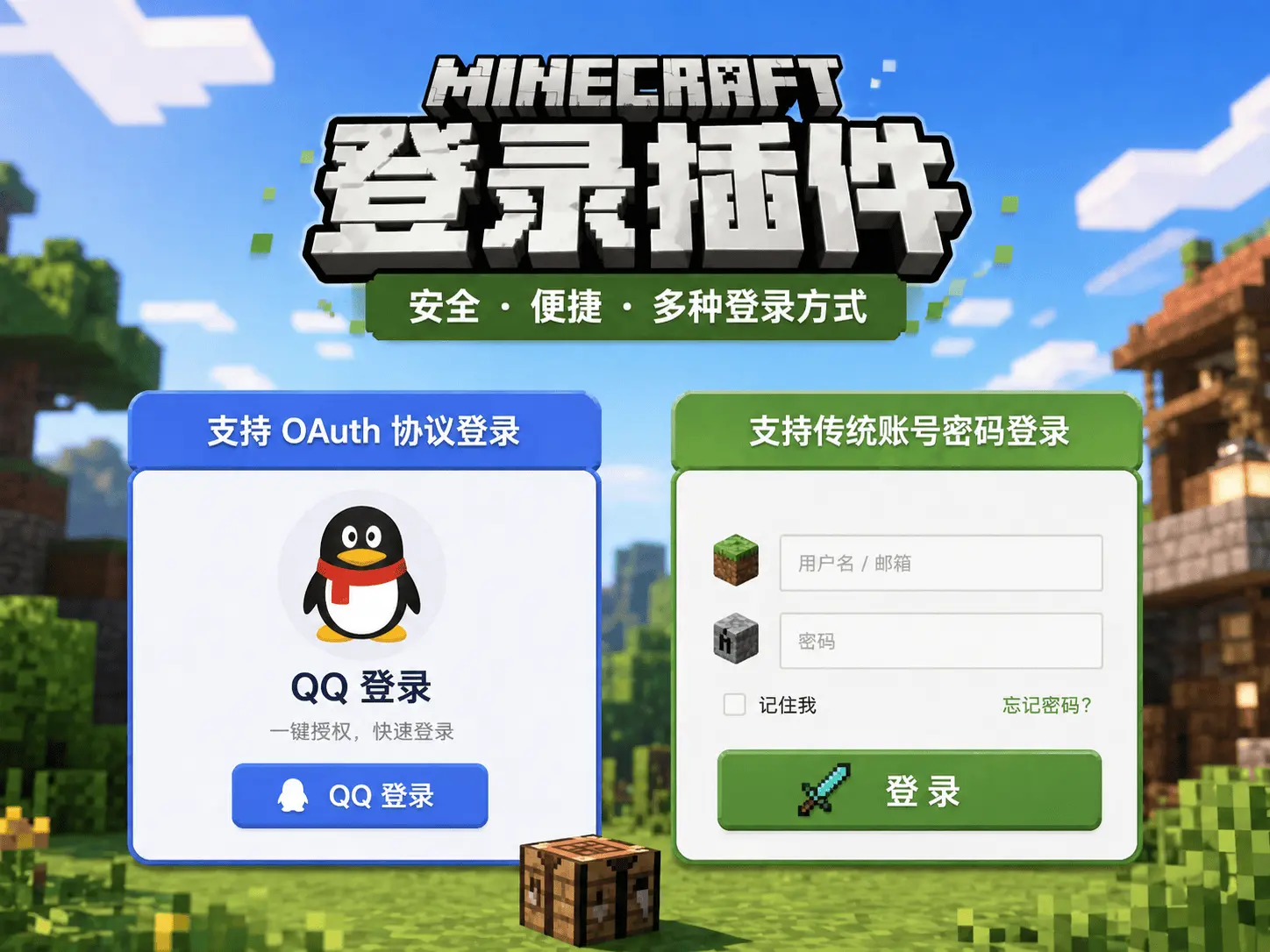
OAuthLogin —— A useful login plugin
# II. Features
- Supports OAuth protocol login (e.g. QQ login)
- Supports traditional account/password login
- Supports MiniMessage format messages
# III. Usage
# 3.1. Prerequisites for OAuth Login
- Your own machine or a rented VPS with the ability to freely open ports
- Your own domain name (ICP filing optional)
- Knowledge of website setup and Nginx domain forwarding
- Some developer knowledge to follow the tutorial below
# 3.2. Configure in config
# Port used for login
port: 8888

# OAuth information
source: 'qq'
clientId: 'your clientId'
clientSecret: 'your clientSecret'
redirectUri: 'https://yourdomain/open/oauth/callback/QQ'
Click to view: Supported Third-party Login List (opens new window)
# The following uses QQ Connect as an example
Click to view: QQ Connect (opens new window)
# 3.3. How to configure port
Used for the server's externally exposed interface. Set any port that is not already in use on the server.
# 3.4. How to configure clientId/clientSecret/redirectUri
QQ Connect Developer Tutorial (opens new window)
# IV. Required Plugins
All are optional
PlaceholderAPI PAPI variables
PlaceholderAPI (opens new window)
ProtocolLib Protocol library
ProtocolLib (opens new window)
# V. Usage Statistics (opens new window)
# VI. Download
Click to Download (opens new window)